
Privacy
Is a keystroke overlay a keylogger?
The question deserves a precise answer rather than a reassuring one.
The honest version of the answer
A keylogger is defined by what it does with keystrokes: it keeps them, and usually it moves them somewhere. The permission it needs on macOS is the same one every on-screen keyboard visualizer needs, and pretending otherwise would be the wrong way to earn your trust. Input Monitoring is the price of the feature.
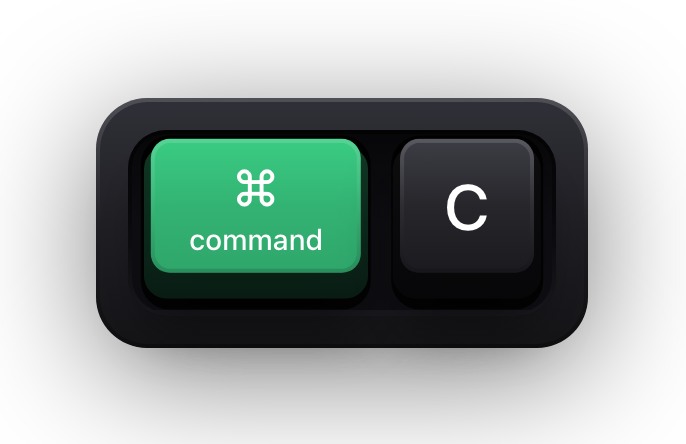
So the question that actually separates the two is not what an app can see, but what it retains and what it transmits. Show KeyPress reads a key event, draws a keycap from it, and discards it. Press ⌘C and a ⌘C keycap appears; when it times out, that is the end of it — there is no history file to find, because there is no history file to write.
What is kept, and for how long
The bottom row is the only thing the app persists, and it is the same place every Mac app keeps its preferences. Remove the app and it goes with it.
| What it handles | Held in memory | Written to disk | Sent anywhere |
|---|---|---|---|
| Key presses | While the keycap is on screen, then dropped | No | No |
| Typed fragments in Stacked History | Until the fragment times out | No | No |
| Typing-rate samples, which set the pet's animation speed | Momentarily, as a rate | No | No |
| Clicks and pointer coordinates | While the halo is being drawn | No | No |
| Your settings — themes, position, shortcuts | n/a | Yes, in the app's own preferences | No |
What never reaches the app at all
There is a category of typing the app cannot see even in principle. While macOS Secure Input is active — password fields, and anywhere else an app asks the system to protect what you type — key events are not delivered to other apps at all. That is enforced by the operating system, not promised by the app, which is why it is the strongest guarantee on this page.
It is also why the usual worst case for a screen-recording overlay does not arise: a password cannot be drawn on a keycap by an app that was never told it was typed.
What leaves your Mac
Nothing. There is no account to create, no sync, no telemetry and no analytics inside the app. It makes no network requests of its own, which is also the reason it works with the Wi-Fi off — a useful property to test, since an app that genuinely needs no network keeps working without one.
- No sign-in, so there is no identity to attach anything to.
- No background upload, no crash-reporting service, no usage events.
- Fully functional offline, which is easy to verify yourself in a minute.
How to check rather than take our word
- 01
Read the source
The source of Show KeyPress is published specifically so that an app holding Input Monitoring can be audited by anyone who wants to.
- 02
Pull the permission
Turn Input Monitoring off in System Settings › Privacy & Security. The keyboard overlay stops drawing immediately, which is the whole of its access to your typing.
- 03
Cut the network
Disconnect from the internet and use it as normal. Nothing degrades, because nothing was going anywhere.
- 04
Try a password field
Click into any login field and type. No keycaps appear, because macOS Secure Input stopped the events before the app — only the “Keyboard hidden — Secure Input” banner, which is drawn from a state flag rather than from anything you typed.
The risk that is actually worth your attention
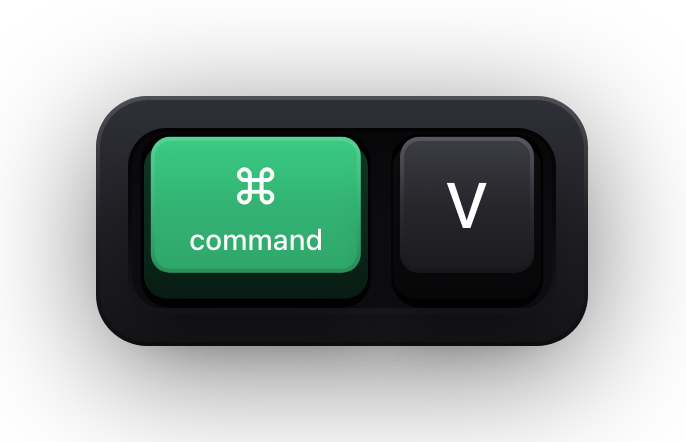
It is not the overlay quietly keeping your keystrokes. It is that you are deliberately putting your keystrokes on screen and then recording the screen. The file you produce is the thing that travels, and it captures whatever was visible — an API key pasted into a terminal with ⌘V, a notification banner, an autofilled form.
So the sensible workflow is the ordinary one for any screencast: mute notifications, know what is on screen before you start, and review before you publish. Secure Input covers passwords; the rest is framing and attention.
Sources and further reading
Product details and guidance were checked against these first-party pages on August 5, 2026. Re-check current listings before making an install or high-stakes decision.
- Control access to input monitoring on Mac
Apple
Apple's guide to the Input Monitoring privacy permission and how to grant or revoke it.
- Secure Keyboard Entry
Apple
How macOS Secure Keyboard Entry stops other apps from receiving key events.
- Show KeyPress on the Mac App Store
Apple
The listing, with the current price, system requirements and version history.
FAQ
Questions people ask
Does Show KeyPress log my keystrokes?
No. Key events are drawn and discarded. Keystrokes, typed fragments, typing-rate samples, clicks and pointer coordinates are never persisted, so there is no log file to keep or leak.
Why does it need the same permission as a keylogger?
Because macOS gates being told about system-wide key presses behind one permission, Input Monitoring, regardless of what the app then does with the events. The difference between the tools is retention and transmission, not access.
Does it send anything over the internet?
No. It has no account, no sync and no telemetry, and makes no network requests of its own. It works fully offline, which you can confirm by disconnecting and using it.
What is stored on my Mac?
Your settings — themes, position, shortcuts and the pet's habits — kept locally in the app's own preferences, in the same place every Mac app keeps its own. Removing the app removes them.
Can I audit it myself?
Yes. The source is public so that an app holding Input Monitoring can be inspected rather than trusted on assertion, and the App Store build is sandboxed.